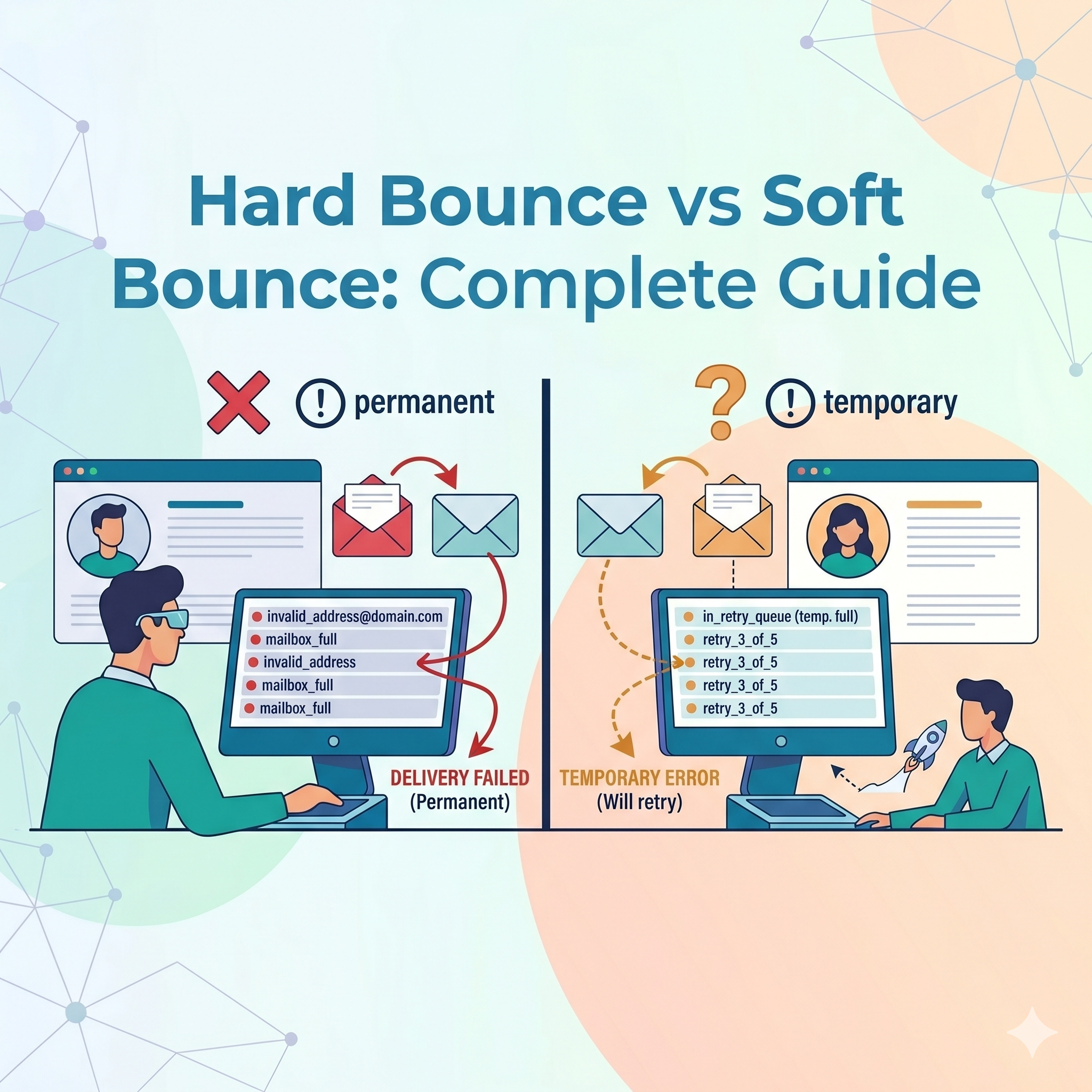
What is an Email Bounce?
An email bounce is a failed email delivery notification returned by the recipient’s mail server.
When delivery fails, the server sends an error message explaining why the email could not be delivered.
Bounce tracking helps businesses identify:
- Invalid email addresses
- Temporary server issues
- Delivery problems
What is a Hard Bounce?
A hard bounce is a permanent email delivery failure.
This means the email address is invalid or cannot receive emails permanently.
Once a hard bounce occurs, future delivery attempts will usually fail as well.
Hard Bounce Definition
Hard Bounce=Permanent Email Delivery Failure\text{Hard Bounce} = \text{Permanent Email Delivery Failure}Hard Bounce=Permanent Email Delivery Failure
Hard bounces are serious deliverability issues that require immediate attention.
Common Causes of Hard Bounces
1. Invalid Email Address
The email address does not exist.
Example:
- fakeuser@gmail.com
2. Expired Domain
The email domain is no longer active.
Example:
- user@oldcompanydomain.com
3. Typing Mistakes
Incorrect spellings make addresses invalid.
Examples:
- gmial.com
- yaho.com
4. Blocked Recipient Server
The receiving server permanently rejects emails from the sender.
5. Non-Existent Mailbox
The mailbox has been deleted or disabled.
What is a Soft Bounce?
A soft bounce is a temporary email delivery failure.
The email address exists, but the message could not be delivered at that moment.
Soft bounce issues often resolve automatically after retry attempts.
Soft Bounce Definition
Soft Bounce=Temporary Email Delivery Failure\text{Soft Bounce} = \text{Temporary Email Delivery Failure}Soft Bounce=Temporary Email Delivery Failure
Soft bounces are generally less harmful than hard bounces but still require monitoring.
Common Causes of Soft Bounces
1. Full Mailbox
The recipient inbox has exceeded storage limits.
2. Temporary Server Downtime
The receiving mail server is temporarily unavailable.
3. Large Email Attachments
The email size exceeds server limits.
4. Greylisting Protection
The mail server temporarily rejects emails from unknown senders.
5. High Server Load
The recipient server is overloaded or busy.
Hard Bounce vs Soft Bounce Comparison
| Feature | Hard Bounce | Soft Bounce |
|---|---|---|
| Failure Type | Permanent | Temporary |
| Email Address Exists | Usually No | Yes |
| Retry Recommended | No | Yes |
| Impact on Reputation | High | Moderate |
| List Removal Needed | Yes | Sometimes |
| Common Cause | Invalid Email | Mailbox Full |
Why Bounce Rates Matter
Bounce rates are closely monitored by email providers like:
- Gmail
- Outlook
- Yahoo
High bounce rates indicate poor email list quality and may cause:
- Emails landing in spam folders
- Reduced inbox placement
- Lower sender reputation
- IP blacklisting
Maintaining low bounce rates is essential for successful email marketing.
Bounce Rate Formula
Bounce Rate=Bounced EmailsTotal Emails Sent×100\text{Bounce Rate} = \frac{\text{Bounced Emails}}{\text{Total Emails Sent}} \times 100Bounce Rate=Total Emails SentBounced Emails×100
Most businesses should aim to keep bounce rates below 2%.